Coverity PDF · Windows + Android

Tired of Acrobat adding every feature under the sun — and loading screens that outlast your patience?

Reduce the bloat.
PDF done right.

Fill, sign, create and organize PDFs on your PC or Android device. Fast, focused, and offline by default.* No AI reading your files, no subscription creep — just the tools you actually reach for.

Get it from Microsoft StoreGet it on Google Play

* E-signing sends your document to a Coverity server and requires an account and internet connection. All other tools work on your device.
Coverity PDF app showing an annotated document with signature and checkmark.

Coverity PDF vs. Acrobat

Where Coverity PDF gives you
more for free.

Adobe locks creating PDFs, organizing pages, and advanced tools behind a paid Acrobat subscription. Coverity PDF ships more in its free tier — and adds professional tools with Editor, without locking you into a monthly fee.

PDF taskCoverity PDF · FreeCoverity PDF · EditorAcrobat Reader · FreeAcrobat Pro · Paid
Read and mark up PDFs✓ Included✓ Included✓ Included✓ Included
Fill forms and add a signature✓ Included✓ Included✓ Included✓ Included
Create PDFs from images, scans, or Word files✓ Included✓ IncludedPaid required✓ Included
Merge, split, reorder, or remove pagesEditor required✓ IncludedPaid required✓ Included
Make scanned PDFs searchable (OCR)Editor required✓ IncludedPaid required✓ Included
Redact PDF contentEditor required✓ IncludedPaid required✓ Included
Edit text and images inside an existing PDF——Paid required✓ Included

Adobe also offers separate online PDF tools and a scanning app; this chart compares Reader and Pro desktop features. Sending a Coverity PDF for someone else to sign is a separate online service and requires an account and internet access.

Coverity PDF in use

Everything you do with PDFs,
in one place.

From filling a form to sending a contract for signature — Coverity PDF handles the tasks you reach for every day, without routing your files through the cloud.

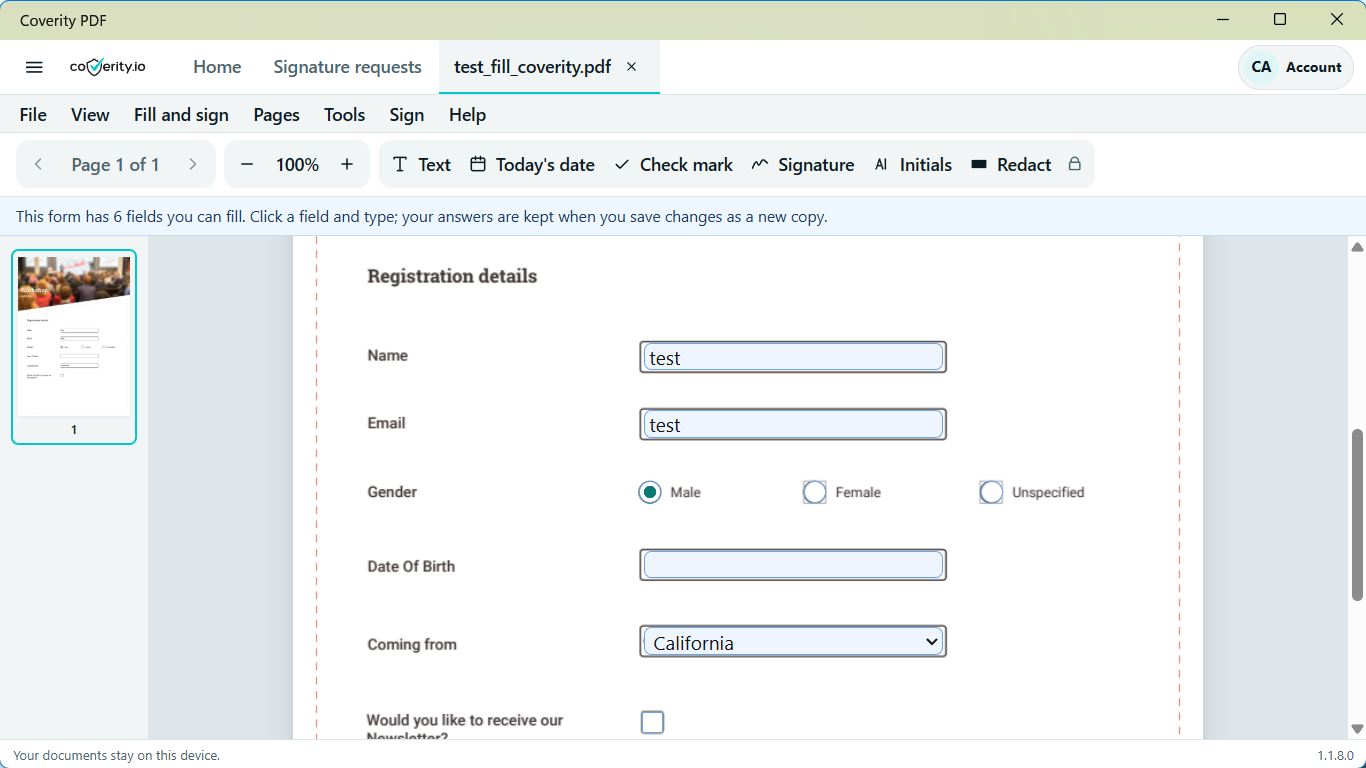
Coverity PDF form filling tools in use.

Fill out a form

Fill forms. Add your signature.

Open any PDF, complete form fields, add free-text annotations, and sign with your own signature. Every bit of it runs on your device — nothing gets uploaded.

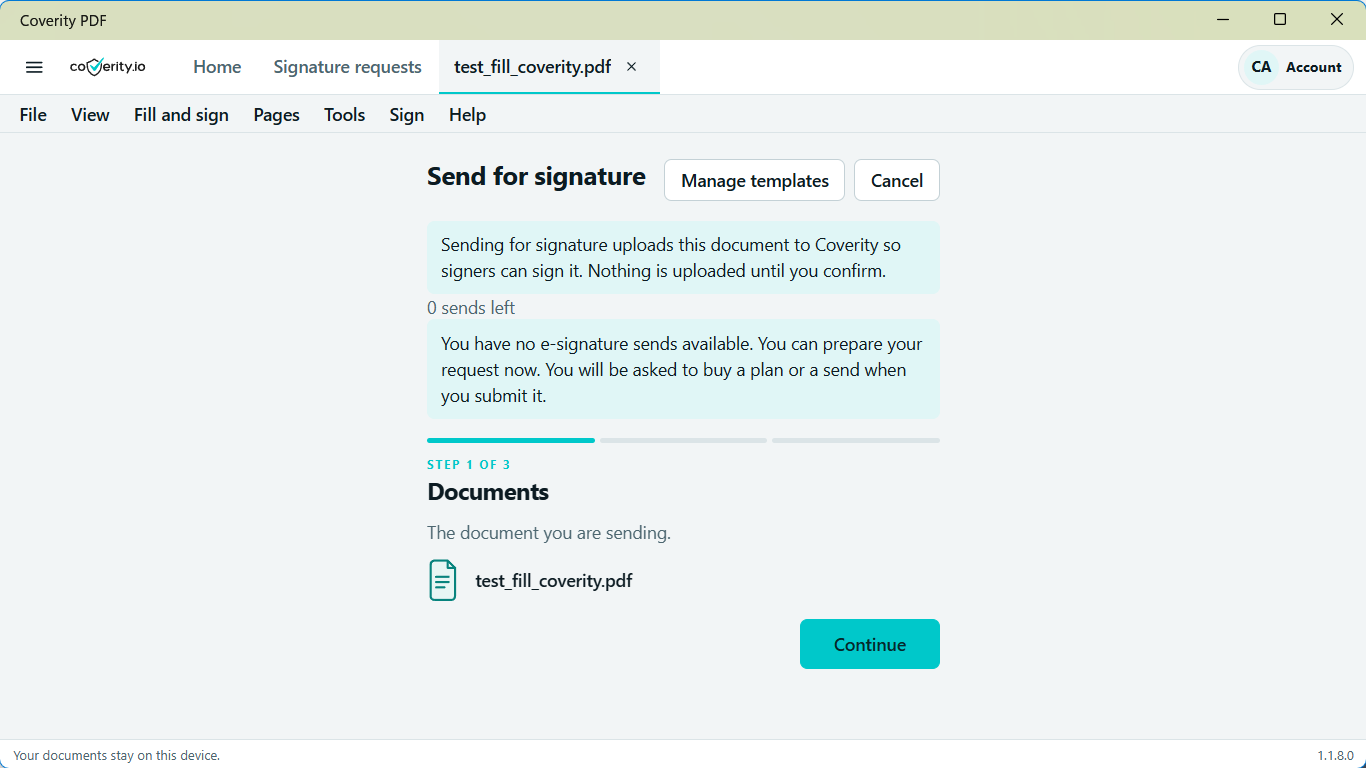
Coverity PDF page organizer showing document pages.

Editor · Page tools

Reorder or combine pages.

Combine PDFs, reorder pages, split a document, or pull out exactly the pages you need. All processed locally — Editor never sends your files anywhere.

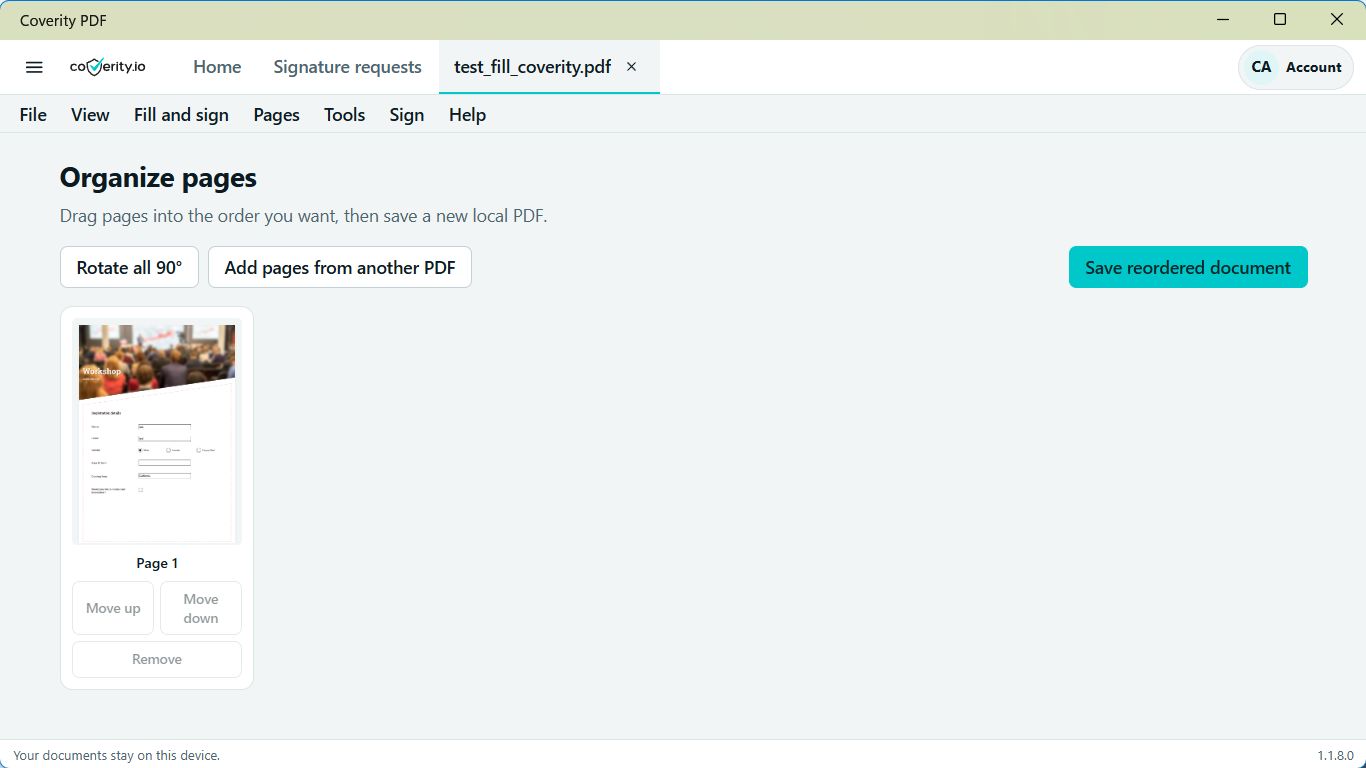
Coverity PDF workflow for sending a document for signature.

Online signature requests

Need someone else to sign?

Send a document online and track when it’s signed. This part requires a Coverity account and an internet connection — but your end of the workflow stays on your device.

A focused toolset

Focused tools.
Nothing you didn’t ask for.

Coverity PDF does one thing: work with PDFs. No generative AI, no cloud sync, no subscription to stress about. Just the tools, running on your device.

Local PDF work

Files stay on your PC.

Open, annotate, sign, create, and export PDFs without connecting to a server. Your documents stay private by default — nothing gets routed through Coverity.

No generative AI

No AI reading your documents.

Coverity PDF doesn’t generate answers, summaries, or rewrites. You work directly with the original — no model in the middle, no data leaving your machine.

Free + Editor

Start free — no account needed.

The free tier handles everyday PDF tasks right out of the box. Upgrade to Editor when you need page organization, OCR, redaction, or advanced conversions.

Coverity PDF for Windows & Android

Start working with
your PDFs today.

Download Coverity PDF from the Microsoft Store or Google Play. Free to use — no account required to get started.

Get it from Microsoft StoreGet it on Google Play

Local tools work on your device. Your documents stay private.

Share this:

Like this:

Like Loading…